For Review
The bank For Review page — post imported statement lines to an account, unpost them, and match bank lines to an invoice, bill, or payment.
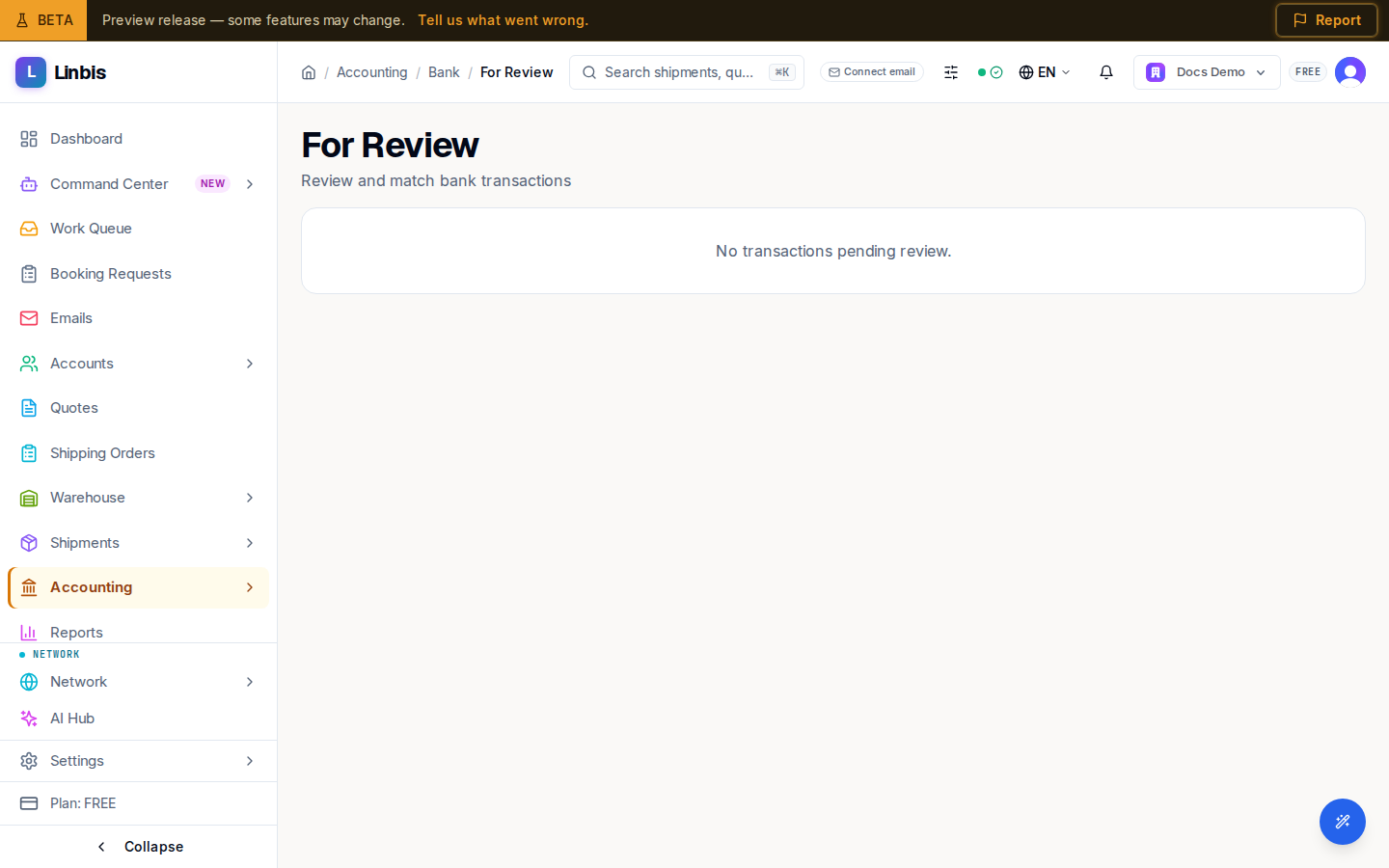
Accounting → Treasury → For Review ("Review and match bank transactions") is where bank lines wait until they are accounted for. It has two parts: Imported statement lines — the lines of the bank statements you import, which you post to an account — and below it the match list, where a bank line is tied to an invoice, bill, or payment already in Linbis.
Imported statement lines
Lines brought in by a statement import arrive here unposted. Opened from an import (Review the imported lines at the end of the import, or View lines in the import history), the list shows only that import ("From the import of …"); Show every import lists them all. Switch between To review, Posted, and All.
Each line shows its date, its description (with its comments and check number), and the amount as a withdrawal or a deposit. To book it:
- Choose its Account — the account the money came from or went to, such as an expense, an income, or a loan account.
- Select Post on the line, or tick several lines that have an account and select Post … lines.
Post books one journal entry for the line: a withdrawal debits the chosen account and credits the bank's cash account; a deposit debits the bank's cash account and credits the chosen account. The entry is dated on the line's day and goes into that day's accounting period (or, if that period is closed, the next open one). The line then moves to Posted. Nothing else here changes the books: choosing an account, or leaving a line in To review, books nothing.
A line that cannot be posted says why, under the line ("Not posted: …"). It is refused when:
- no account has been chosen yet;
- the account is the bank's own cash account;
- the account cannot take postings (inactive, or a header account);
- the account is the receivables or payables control account — a customer's or a vendor's money is matched to their payment instead (see below);
- the account is kept in another currency than the bank account;
- the bank account is in a foreign currency and there is no exchange rate for the line's day. A line always posts at the market rate of its own day: add the rate in Currency & FX, then post the line again.
Unpost a line
On a posted line, Unpost asks "Why unpost this line?" and then reverses its entry with a reversing entry dated today; the original entry is kept. The line returns to To review, where you can choose another account and post it again. A line that is part of a completed bank reconciliation cannot be unposted until that reconciliation is reopened. An entry posted from a bank line cannot be reversed from Journal Entries: unpost the line here instead.
Match payments instead of posting them
A line that pays a bill, or a customer receipt, already recorded in Linbis is not posted here: match it to that payment in the match list below, where it carries the From statement import label. Posting it as well would count the money twice, so once a line is posted or matched, the other is refused.
Match list
Below the imported lines, the unmatched bank lines — from a statement import or a connected bank feed — are listed, up to 50 at a time. Select a line to see its Match Suggestions: the invoices, bills, or payments Linbis thinks it corresponds to. Select the check mark beside a suggestion to match the line to it and clear it from the list. A suggestion in another currency is compared at the market rate, and a match is refused when there is no rate for that day or the amounts are too far apart.
On a phone, swipe a line (or open its menu) for Match and Exclude. Exclude does not work yet: it shows "Transaction exclusion is not yet implemented".
When nothing is waiting, the match list reads "No transactions pending review."
How lines get here
Lines arrive when you import a bank statement (CSV, Excel, OFX/QFX/QBO, CAMT.053, MT940, or a PDF with text) on Bank Accounts, or through a connected bank feed.
Who can post
Choosing accounts, posting, unposting, and matching need the Owner, Admin, Manager, or Finance role. For anyone else, Post and Unpost on the imported lines are shown disabled, and the list says why: "Importing statements and posting bank lines needs the Owner, Admin, Manager or Finance role. Ask an administrator." Choosing an account and matching are refused with the same reason when they try.