Journal Entries
The general ledger journal — every posting, manual or system-generated, with debits, credits, and sources.
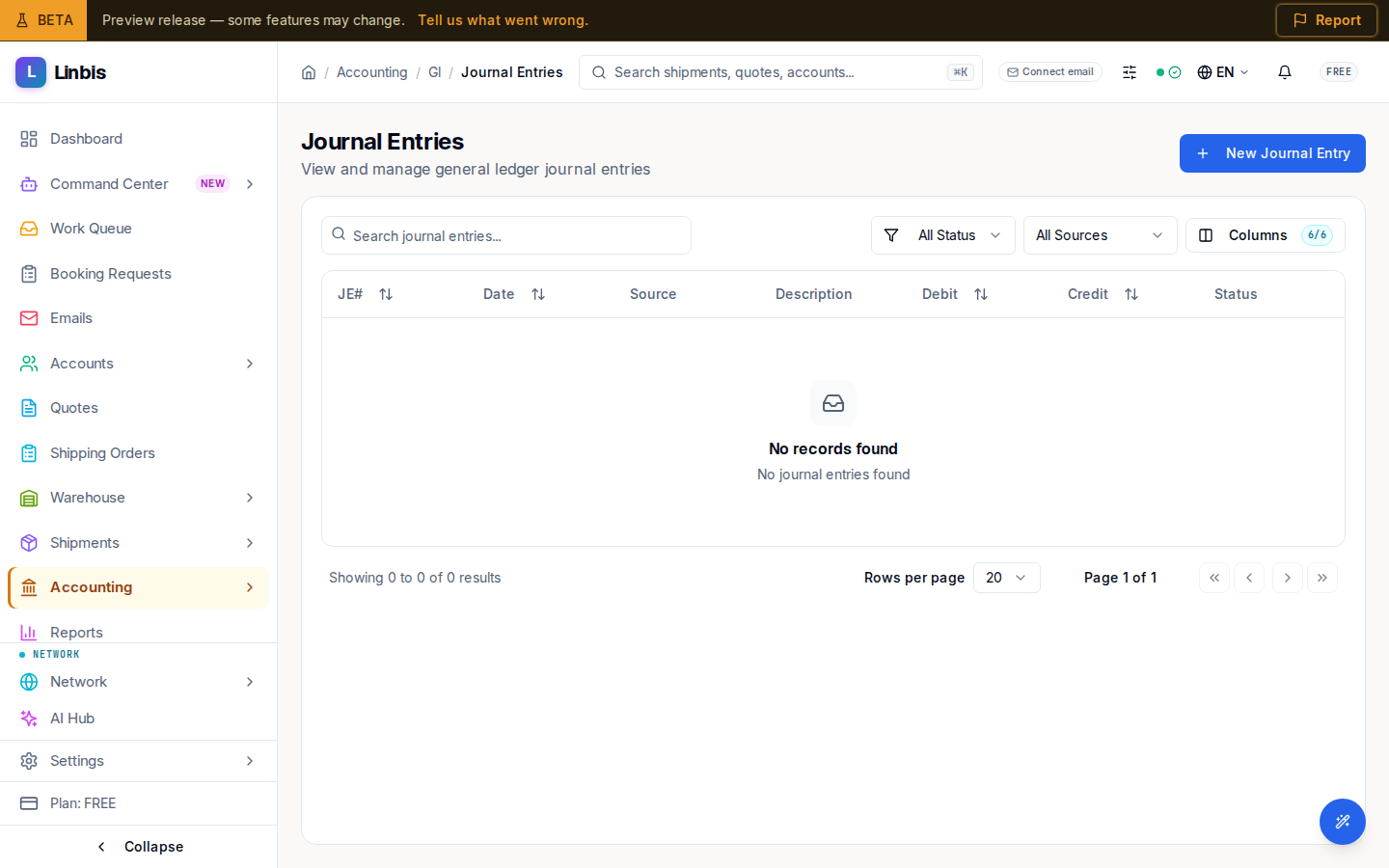
Accounting → General Ledger → Journal Entries is the ledger's journal ("View and manage general ledger journal entries"). Every posting lives here — the entries Linbis generates automatically when you post invoices, bills, and payments, plus any manual adjustments you write yourself.
Columns
JE#, Date, Source, Description, Debit, Credit, Status.
Filters
- Status: All Status, Draft, Pending Approval, Approved, Posted, Reversed.
- Source: All Sources, Manual, AR Invoice, AP Bill, AR Payment, AP Payment — so you can isolate hand-written adjustments from system postings.
Actions
New Journal Entry opens the entry sheet ("Create a manual journal entry. Debits must equal credits."): pick the Date and an open Period, write a Description, then add lines with an account and a debit or credit amount. An unbalanced entry is rejected ("Debits must equal credits"). Posting requires an open accounting period.
The date and the period are chosen separately, and the form says so under the period: the date is the date printed on the entry; the period is the month of the books the entry is posted into, and only open periods are listed. When the date falls outside the period you chose, the form notes it ("This entry is dated … but goes into …"). That is allowed, for example for a late adjustment into a month still open, so check that it is what you mean. The Totals row and the difference follow every edit, and Create Journal Entry stays off until debits equal credits and an amount is entered.
System-generated entries are traceable back to their source document via the Source column; correct them by voiding/adjusting the source document, not by editing the ledger directly.
Entry detail and reversing
Opening an entry shows its detail page — stacked sections for Entry Details (period, reference, currency, exchange rate, description), Line Items (each line's account, memo, debit, and credit, with a Totals row), an Audit Trail, and, when the entry is part of a reversal, a Reversal Chain ("This entry reverses …" / "Reversed by …").
- Post appears on a Draft or Pending Approval entry and posts it to the ledger.
- Reverse appears on a Posted entry that has not already been reversed. The Reverse Journal Entry dialog confirms "A new reversing entry will be created" — reversing does not erase the original; it books an equal-and-opposite entry, and both stay in the ledger linked through the reversal chain.